
Install and use your travel eSIM
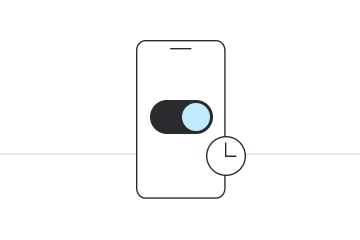
Check compatibility and your plan’s activation rules before installing.
Connect to reliable Wi-Fi and keep your installation details ready.
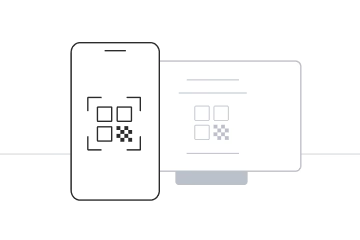
Choose Add eSIM in your phone’s mobile network settings, then scan the QR code supplied with your order. Menu names vary by device.
If scanning is unavailable, use manual entry with the installation details supplied for your eSIM.
Installation with QR code
Before you begin installation with a QR code, there are a few important points to be aware of:
- Display the QR code on another screen, or use your device’s supported image-import method.
- Make sure you have a stable internet connection throughout the process.
- Treat the QR code as private. Reuse and reinstallation depend on your provider and plan.
- Do not delete the eSIM while you still need it. Check whether reinstallation is supported before removing it.
Manual Installation
Before you begin manual installation, there are a few important points to be aware of:
- Enter the installation details exactly as supplied. Do not share them with anyone else.
- Make sure you have a stable internet connection throughout the process.
- Do not delete the eSIM while you still need it. Check whether reinstallation is supported before removing it.