
Install and activate your eSIM on iPhone
Install just hours before your trip and
activate during your flight or when you arrive at your destination.
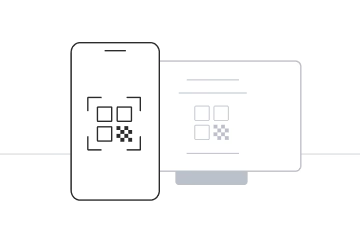
Select “Install with QR Code”
if you have the code on another device to scan.
Select “Install Manually”
if you are unable to scan the QR code.
Installation with QR code
Before you begin installation with a QR code, there are a few important points to be aware of:
- You must have the QR code on another screen or device to scan it with your phone camera.
- Make sure you have a stable internet connection throughout the process.
- Please note that the QR code can only be scanned once.
- Do not remove the eSIM from your device as you will not be able to use it again.
Manual Installation
Before you begin manual installation, there are a few important points to be aware of:
- Manual installation codes can only be used once.
- Make sure you have a stable internet connection throughout the process.
- Do not remove the eSIM from your device as you will not be able to use it again.